
Only admins and support users can see the Registrations page.
Get notified
Every admin and support user gets an email called New registration to review when someone registers. Click Review registrations in the email to open the page.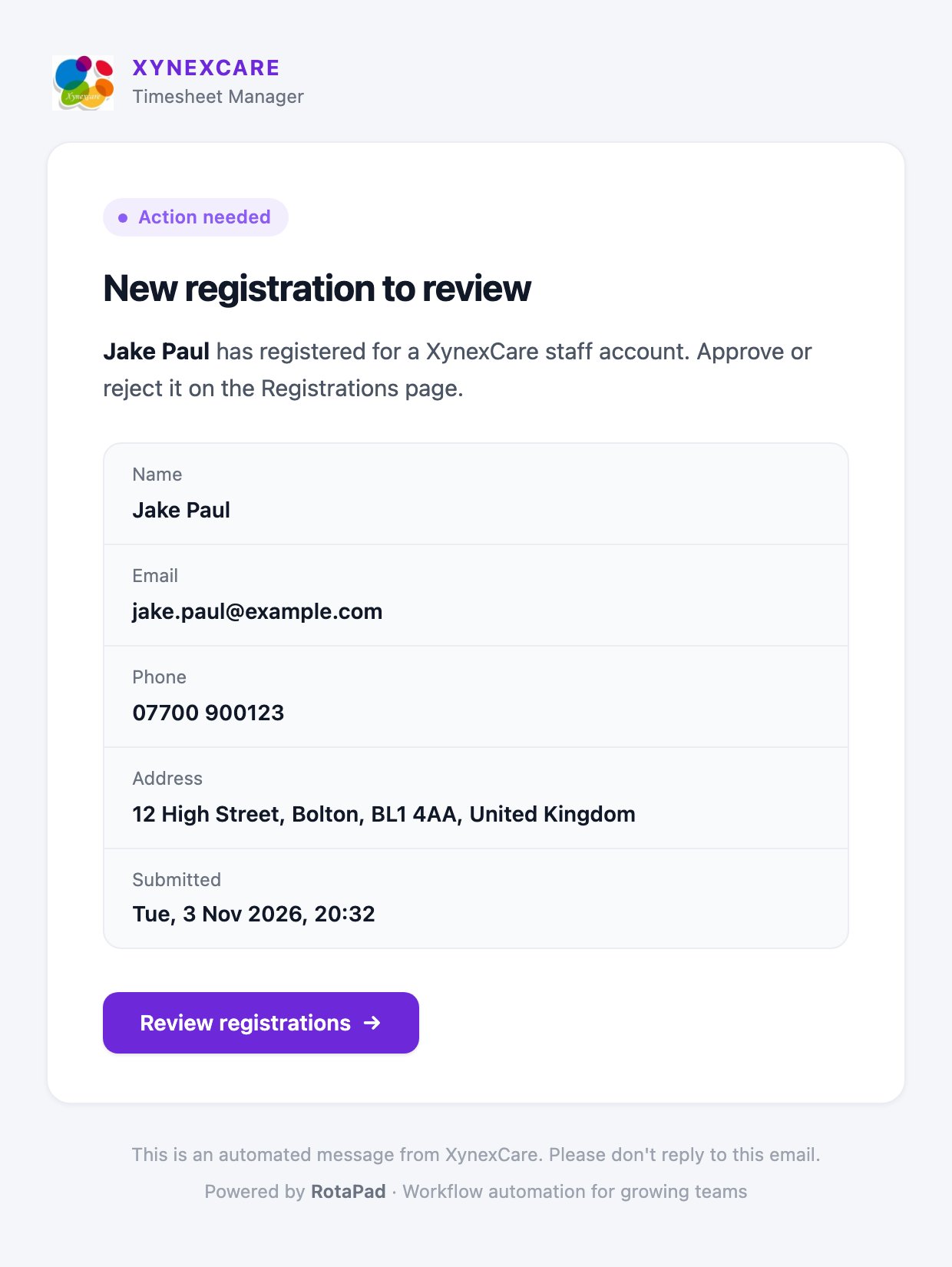
Review registrations
- Click Registrations in the sidebar under Operations.
- The Pending tab opens first. The number on each tab shows how many registrations it holds.
- Check each person’s name, email, phone, location and when they registered.
Approve someone
- Click ✓ on their row.
- Click Approve to confirm.
- Creates their staff record with an employee ID
- Switches on their sign-in
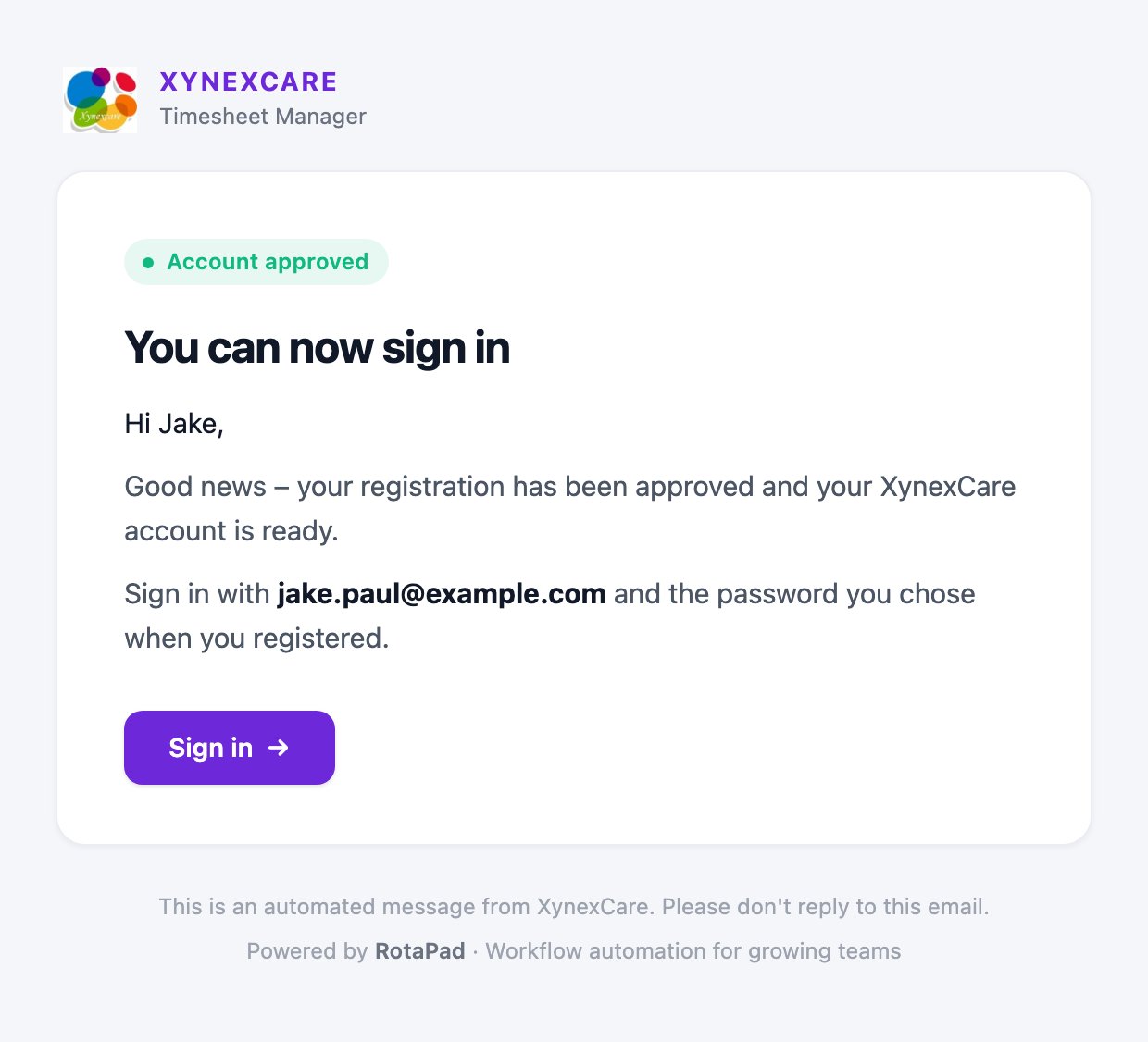
- Emails them that they can now sign in
Reject someone
- Click ✕ on their row.
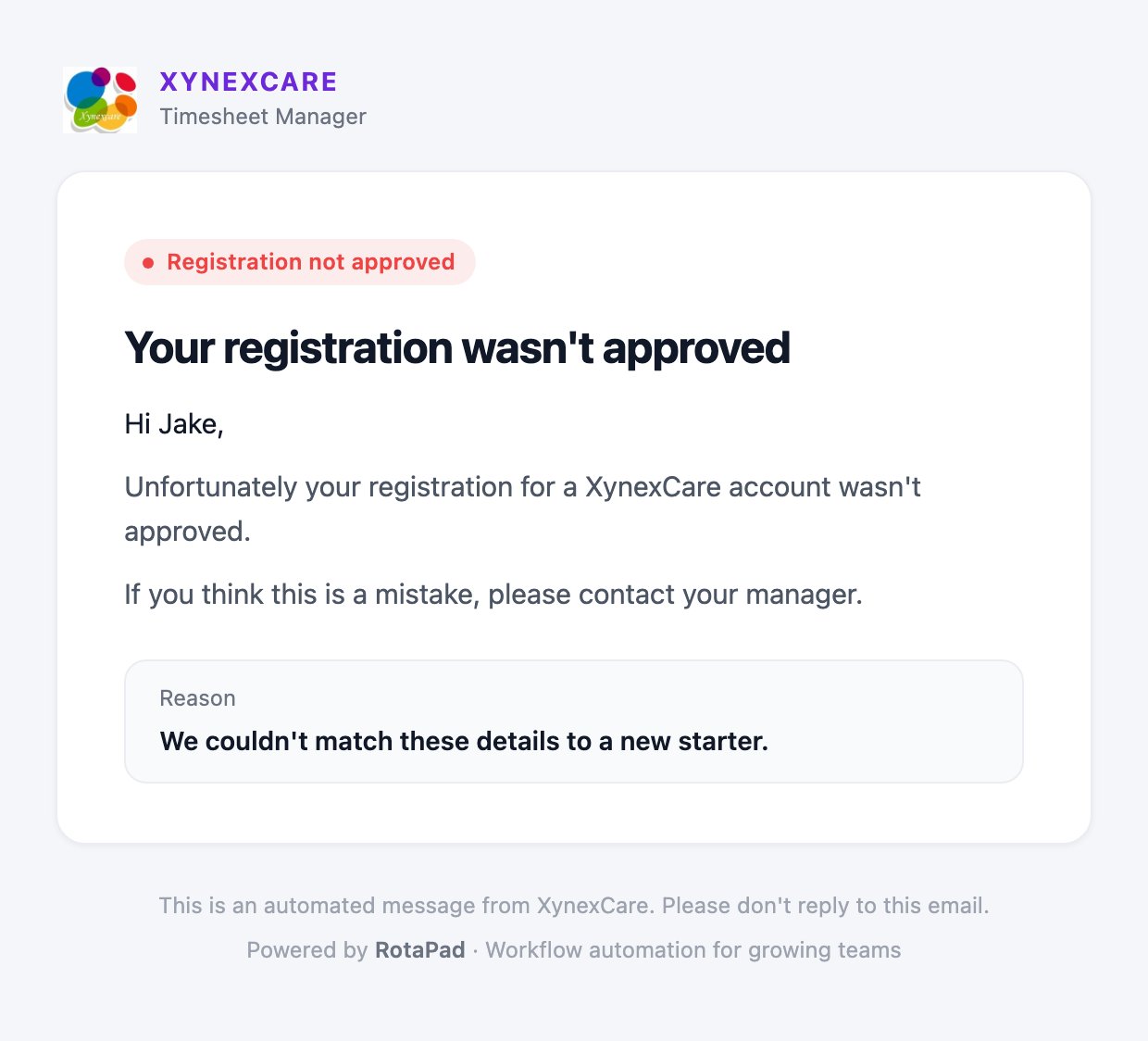
- Add a reason if you like. It’s included in their email.
- Click Reject.
See past decisions
Use the Approved, Rejected and All tabs. The Reviewed column shows who made each decision and when. Hover over a rejected row to see the reason.Emails new staff receive
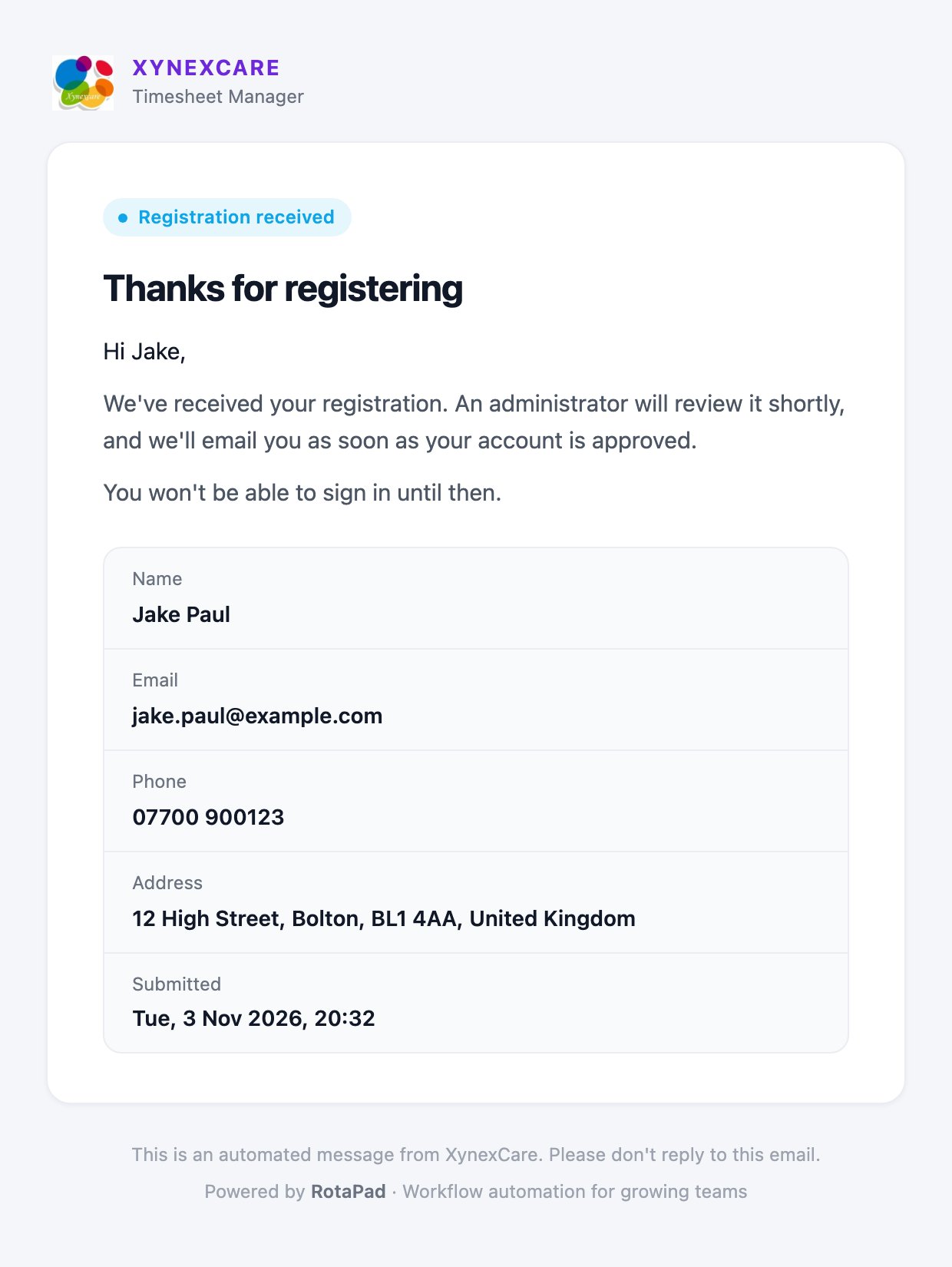
- Received
- Approved
- Rejected